
Data Generation System NPM-DGS
NPM-DGS: line management system
Main Features
- Production Data Creation
- Improved Model Changeover Efficiency Through Setup Optimization (Optional)
- DGS Operation RPA Through DGS-Automation / Pre-Mount Reduction Through Virtual-AOI (Optional)
NPM-DGS: line management system
Strengths and Features
This software solves the following issues.
- Need to generate production data easily by importing CAD and BOM data
- Need to automate routine work of manual input
- Need to reduce operation errors and data generation time
NPM-DGS is the solution.
Viewing time 100 sec
Introducing Panasonic's SMT Software:NPM-DGS
Panasonic’s DGS (Data Generation System) imports customer’s CAD and BOM data, determines the optimal component arrangements, placement sequence, and common arrangements shared by multiple PCBs, taking into account component data, equipment performance and line balance.
* This is a system to generate production data for Panasonic’s printer and mounting machines.
Determination of optimal component arrangements, placement sequence, and common arrangements for multiple PCBs
Imports customer’s CAD and BOM data into DGS and determines the optimal component arrangements, placement sequence, and common arrangements shared by multiple PCBs, taking into account component data already registered, performance of each equipment, and the takt balance between equipment in the line.
DGS automation (Optional function)
Since external software is allowed to operate parts of the DGS that are routine tasks not requiring human decision-making, you can automate a part of the DGS by creating a program that automatically operates the DGS (however, external software must be developed separately).
Virtual-AOI (Optional function)
Mistakes in data (e.g., angle error, misalignment, etc.) made by different data generators can be automatically corrected in the DGS, thereby significantly reducing the number of trial runs.
Preparation optimization (Optional function)
Select a model and set the production frequency, sequence, number of PCBs, and other conditions, and DGS will present multiple production plans. You can select the production plan that best suits your site.
Customer Case Study
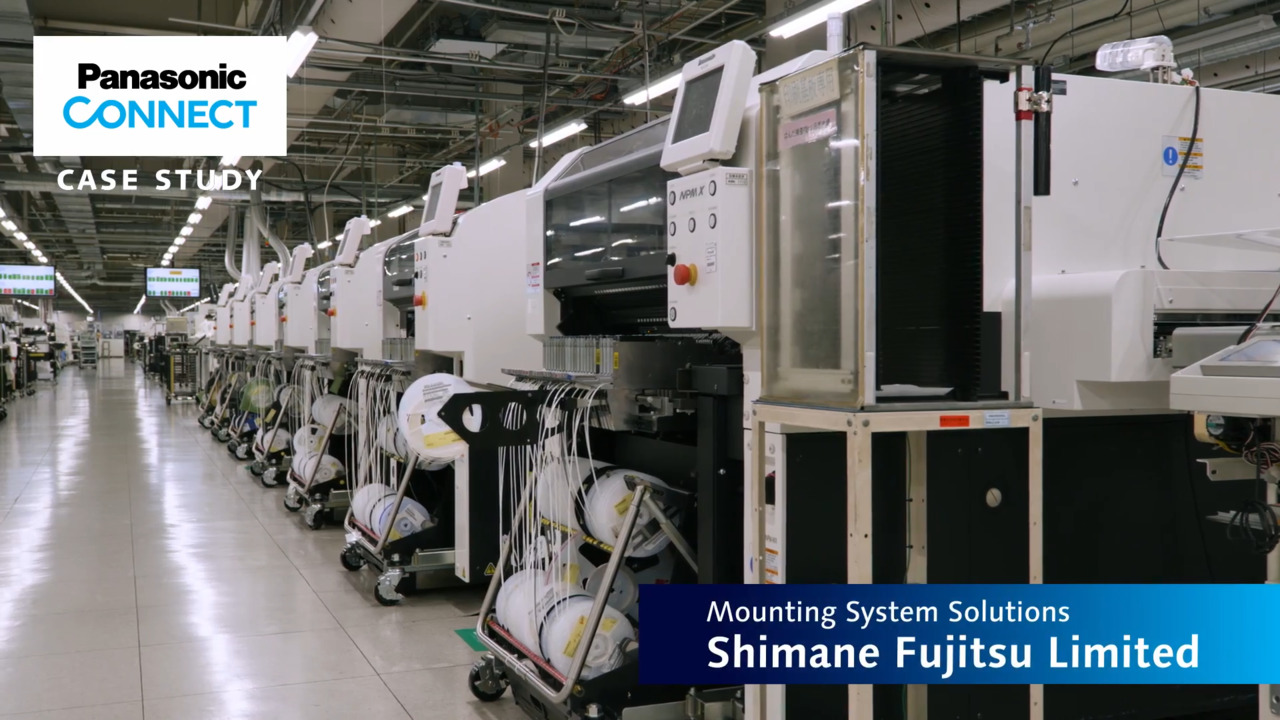
Automate routine data creation tasks
Shimane Fujitsu used DGS Automation to simplify the grouping process and cut tiling time by 30%. Here are some examples of how we continue to promote the use of smart factories.
Related Products
Manufacturing Operations Optimizer
MFO
The “Next Innovation" in mounting production lines.
Automatic planning of optimal production based on collected worksite information, parameters, and mounting PCB data
Mounting MES Software
PanaCIM-EE Gen2
Support is provided for improvement in QCD in each task related to mounting, through centralized management of the entire mounting floor
Integrated Line Management System
iLNB
Optimization of the entire production line by “connecting" Panasonic machines, non-Panasonic machines, and higher-level systems
Feeder Setup Navigator
Contributes to improved productivity with highly accurate production time estimation and feeder replacement sequence instructions
Related links
Realted links for Manufacturing Operations Management System MOM
Production Scheduler Asprova Visualization Tool MotionBoard Electronic Reporting Tool i-Reporter
We are here to help! Contact us if you have an inquiry or question.